10 Essential Web-Based Tools to Supercharge Your Productivity in 2026

In 2026, the digital workspace has evolved into a seamless ecosystem of web-based tools that eliminate app-switching fatigue, automate repetitive tasks, and harness AI for smarter workflows. With over 6 billion internet users globally and millions of professionals relying on cloud-native platforms, these tools are no longer optional—they’re essential for staying competitive.
Whether you’re a freelancer, team leader, or small business owner, web tools deliver real results: faster collaboration, centralized data, and measurable efficiency gains. This guide highlights 10 battle-tested, browser-accessible tools backed by expert reviews and widespread adoption. Each one is free to start (with premium upgrades available), works across devices, and requires zero installation.
1. Notion: The All-in-One Workspace for Notes, Tasks, and Databases
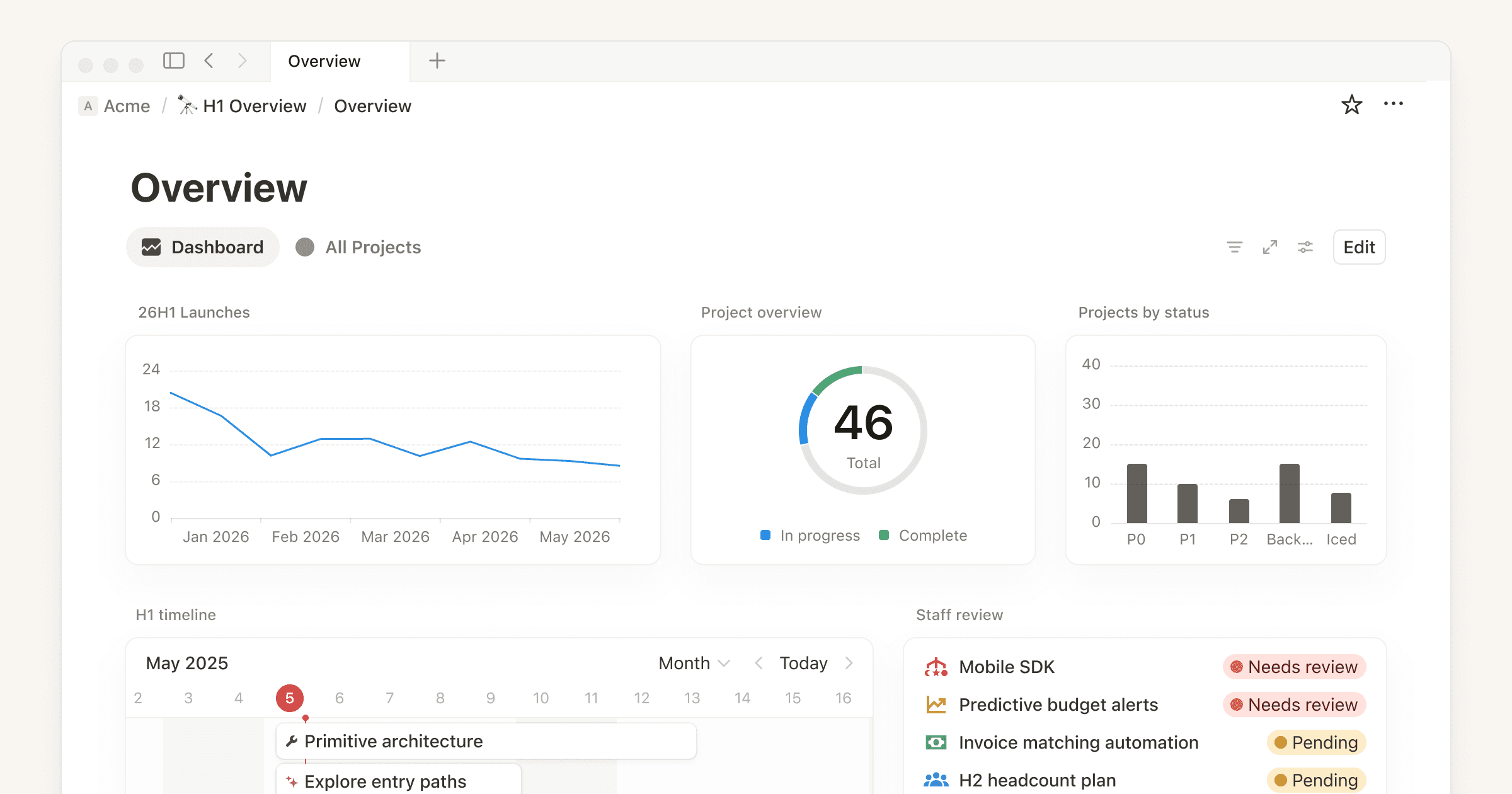
Notion stands out as a flexible, customizable hub that replaces multiple apps with a single web interface. Users build wikis, project trackers, calendars, and knowledge bases using blocks, databases, and templates—all in the browser.
Key features in 2026: AI-powered writing assistance, dashboards with real-time analytics, bidirectional linking for connected notes, and team workspaces with permissions. It supports embedded files, calendars, and even simple automations.
Why it works: Professionals report reduced context-switching and clearer project overviews. It’s especially popular for solopreneurs and remote teams needing a “second brain.” Free for individuals; paid plans start low for advanced collaboration.
2. Google Workspace: The Reliable Cloud Office Suite
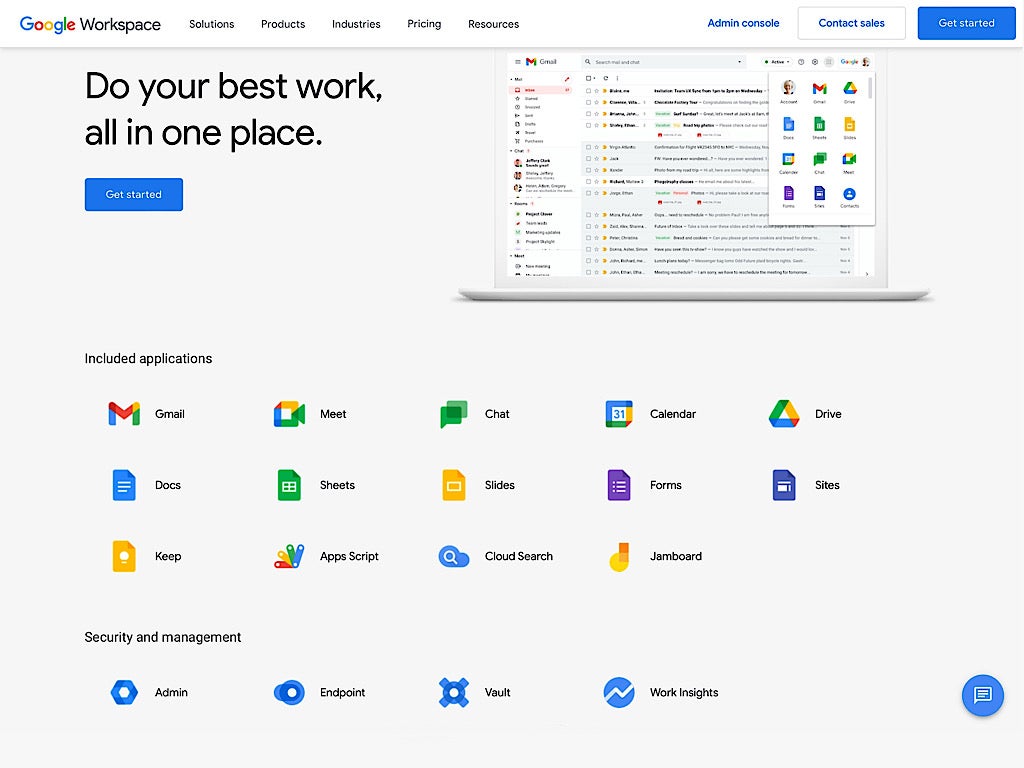
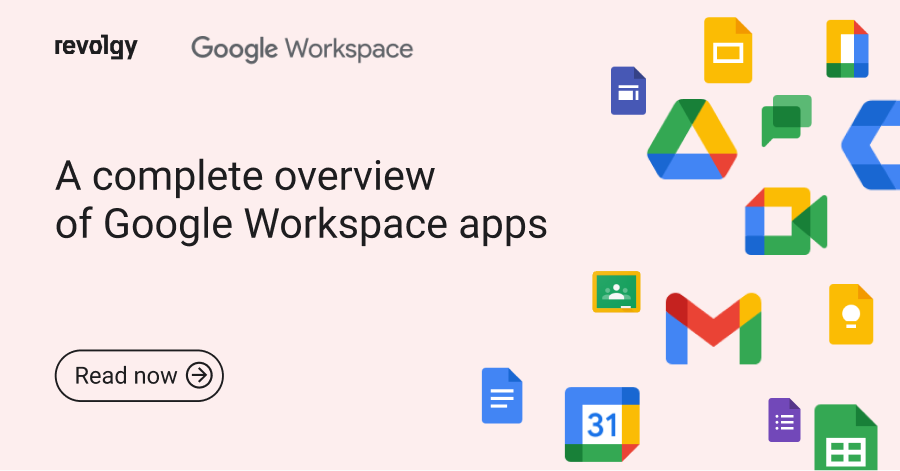
Google Workspace (formerly G Suite) remains the gold standard for document collaboration, with Gmail, Docs, Sheets, Slides, Drive, Meet, and Calendar all accessible via any browser.
Key features in 2026: Real-time co-editing with version history, AI suggestions in Docs and Sheets, seamless integration with third-party tools, and enterprise-grade security. Calendar automatically syncs across devices and suggests meeting times.
Real impact: Millions of businesses rely on it daily for its intuitive design and automatic cloud backups. Free personal version available; business plans offer admin controls and more storage.
3. Slack: Real-Time Team Communication Done Right
Slack transforms scattered emails and chats into organized, searchable channels and threads—accessible instantly in your browser.
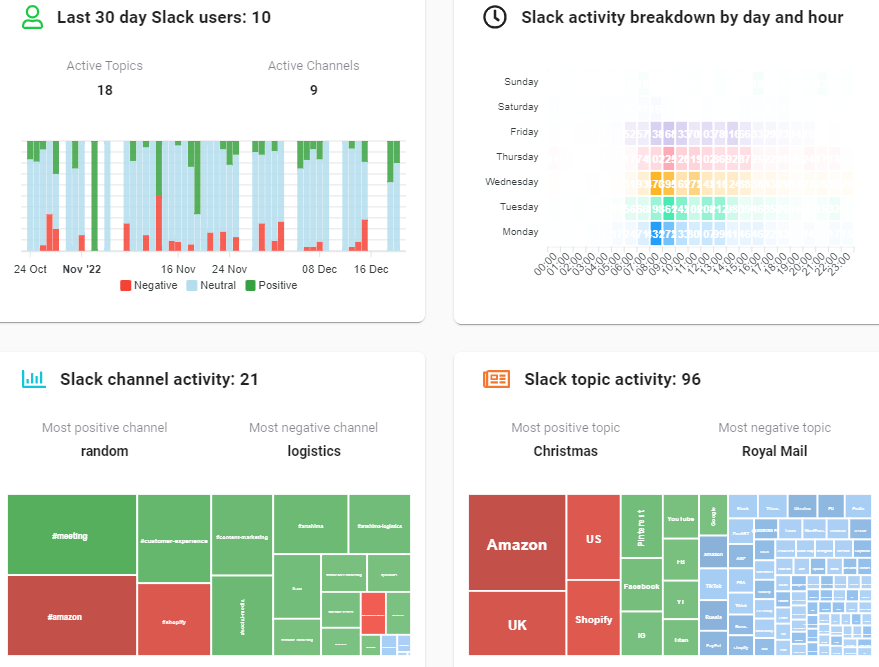
Key features in 2026: AI-powered search and summaries, workflow builder for approvals, file sharing, and deep integrations with 2,000+ apps. Analytics dashboards track engagement without invading privacy.
Why teams love it: It reduces email overload and keeps conversations contextual. Free tier supports unlimited history in paid plans; ideal for hybrid and remote work.
4. Asana: Visual Project Management for Any Team Size
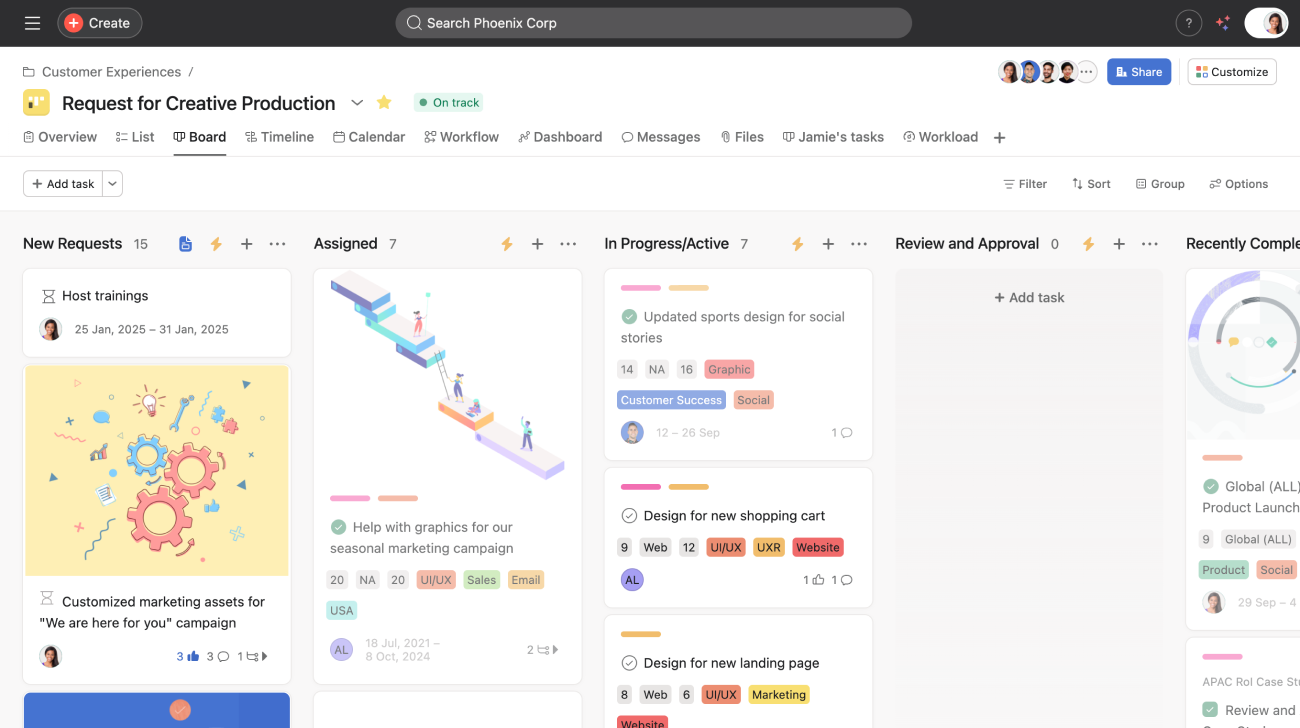
Asana’s web interface excels at turning goals into actionable boards, lists, and timelines—perfect for tracking progress without spreadsheets.
Key features in 2026: Kanban boards, Gantt charts, workload views, AI task generation, and automation rules. Custom fields and reporting provide clear visibility into bottlenecks.
Proven results: Companies use it to align cross-functional teams and hit deadlines faster. Free for small teams; scales affordably for enterprises.
5. Zapier: No-Code Automation That Connects Everything
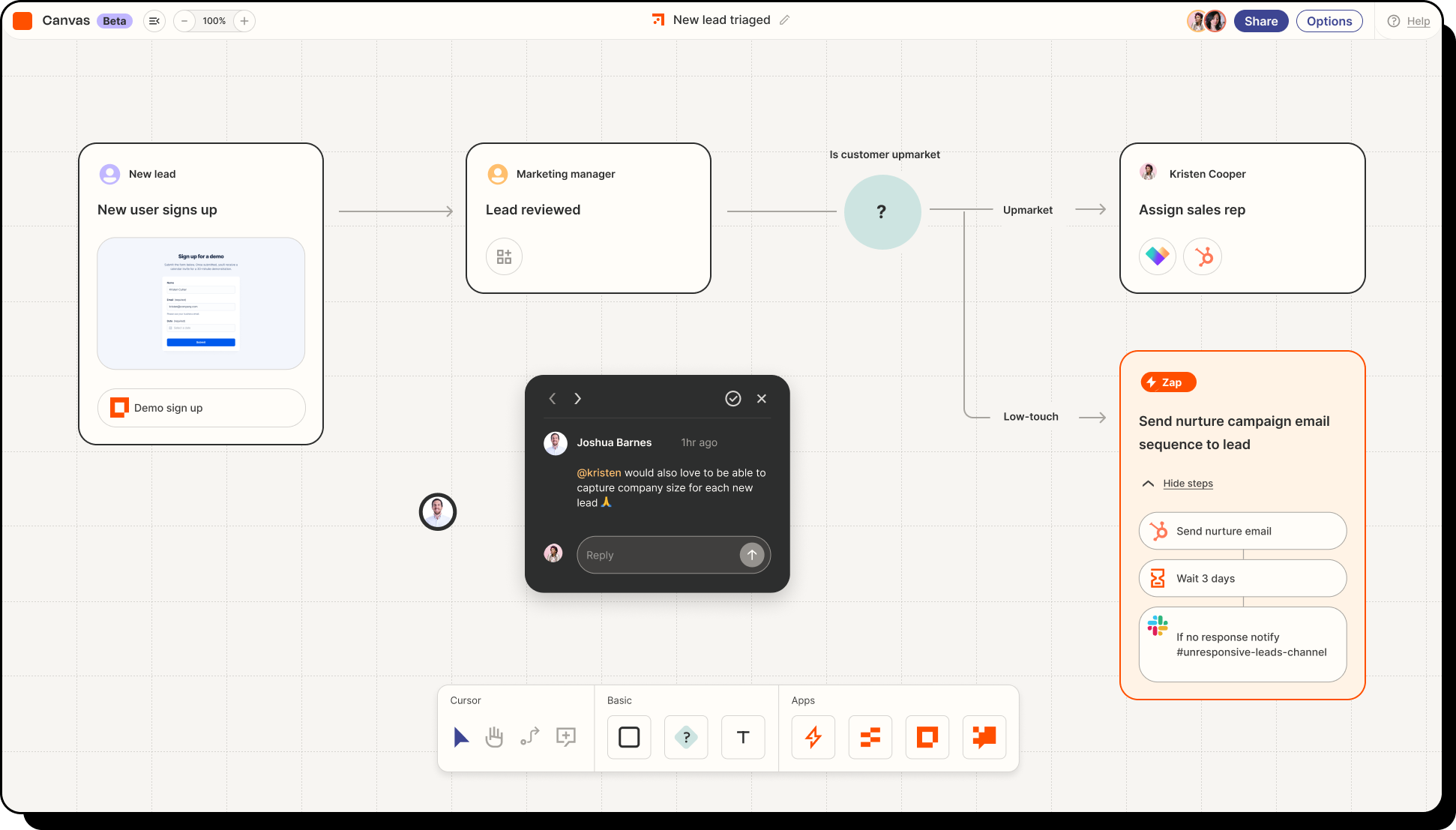
Zapier lets you build powerful workflows between 7,000+ apps—without writing a single line of code—all inside a clean web builder.
Key features in 2026: Multi-step Zaps, AI-powered triggers, error handling, and scheduling. Popular for lead nurturing, data syncing, and notification alerts.
Efficiency boost: Users save hours weekly by automating repetitive tasks like form-to-CRM transfers or email follow-ups. Generous free tier for light use.
6. ClickUp: The All-in-One Productivity Platform
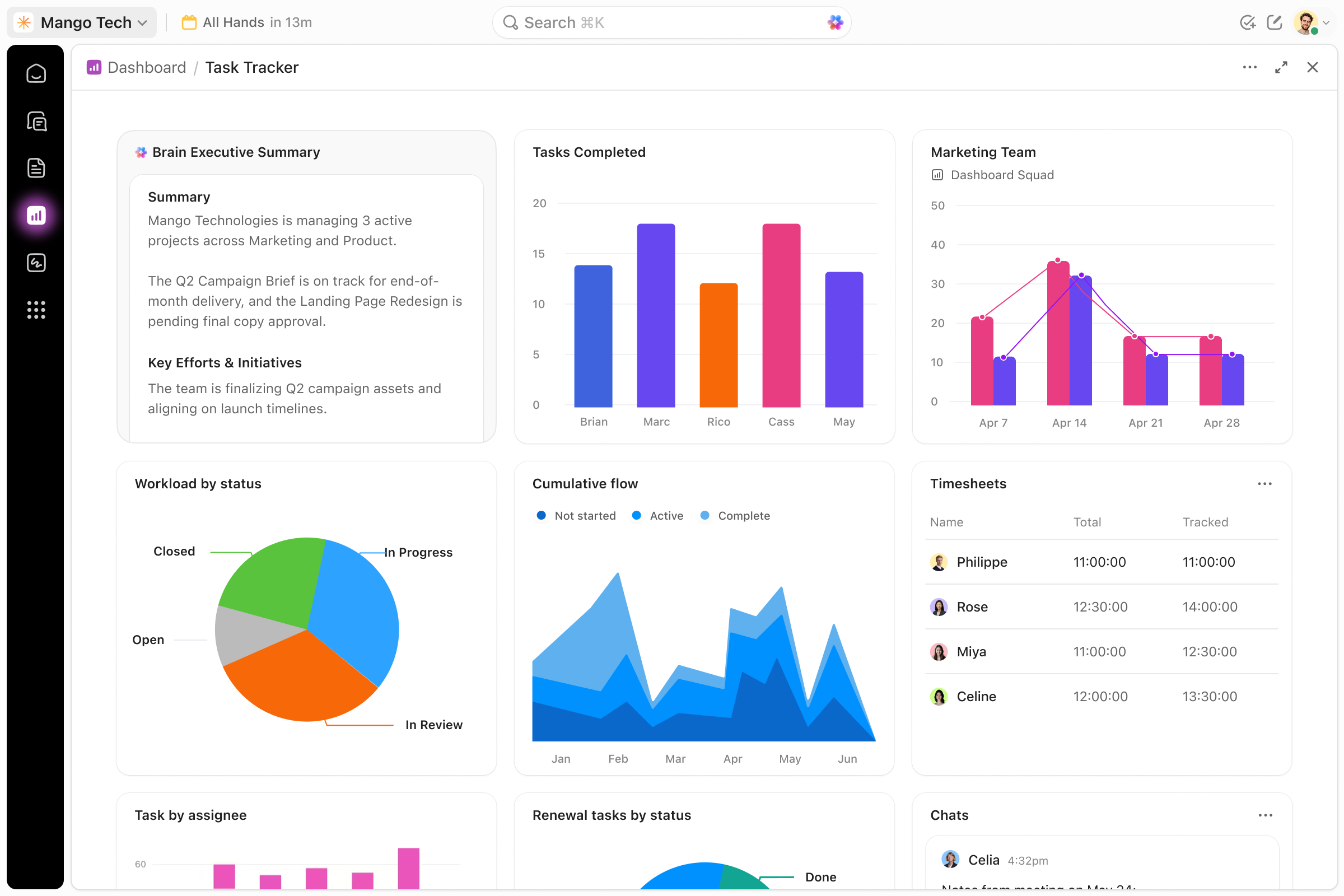
ClickUp combines tasks, docs, whiteboards, goals, and dashboards in one browser-based workspace—often called a “Notion + Asana” hybrid.
Key features in 2026: Custom views (list, board, timeline), AI assistants, time tracking, and sprint planning. Dashboards pull live metrics from every project.
Why it’s rising fast: Teams consolidate tools and gain full visibility. Free forever plan is robust; paid tiers unlock unlimited storage and AI features.
7. Canva: Design Without the Learning Curve
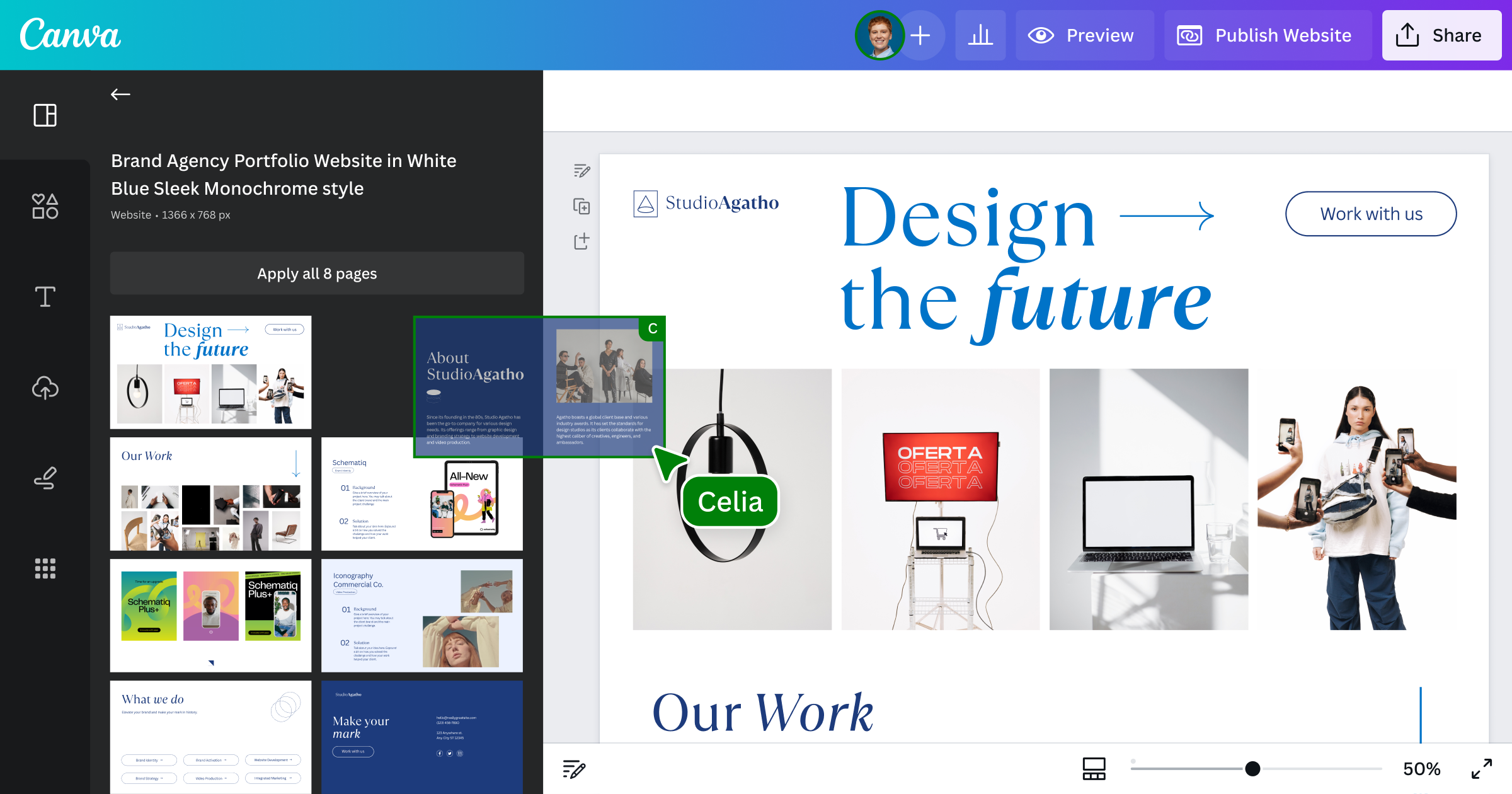
Canva’s web editor makes professional graphics, presentations, videos, and even websites accessible to non-designers.
Key features in 2026: Magic Studio AI for background removal and text effects, thousands of templates, real-time collaboration, and brand kits. New website builder turns designs into live pages.
Real-world value: Marketers and small businesses create scroll-stopping content in minutes. Completely free core features; Pro unlocks premium assets.
8. Miro: Infinite Collaborative Whiteboarding
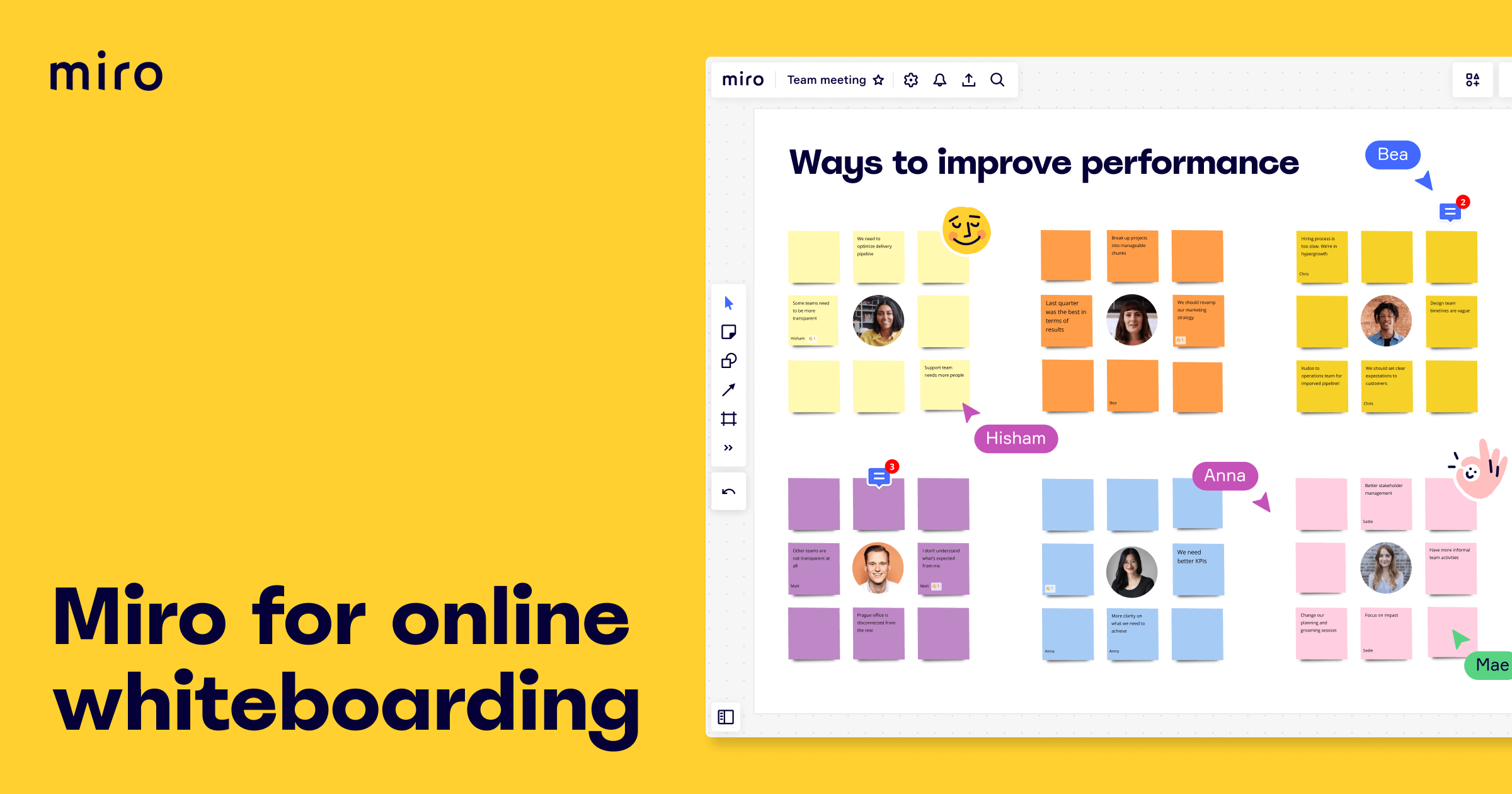
Miro’s digital canvas supports brainstorming, diagramming, and planning with sticky notes, shapes, and live cursors for remote teams.
Key features in 2026: AI summarization of boards, templates for retrospectives and roadmaps, integrations with Slack/Asana, and presentation mode.
Team favorite: It replicates in-person workshops online. Free for basic use; scales for larger organizations.
9. Trello: Simple Kanban Boards That Scale
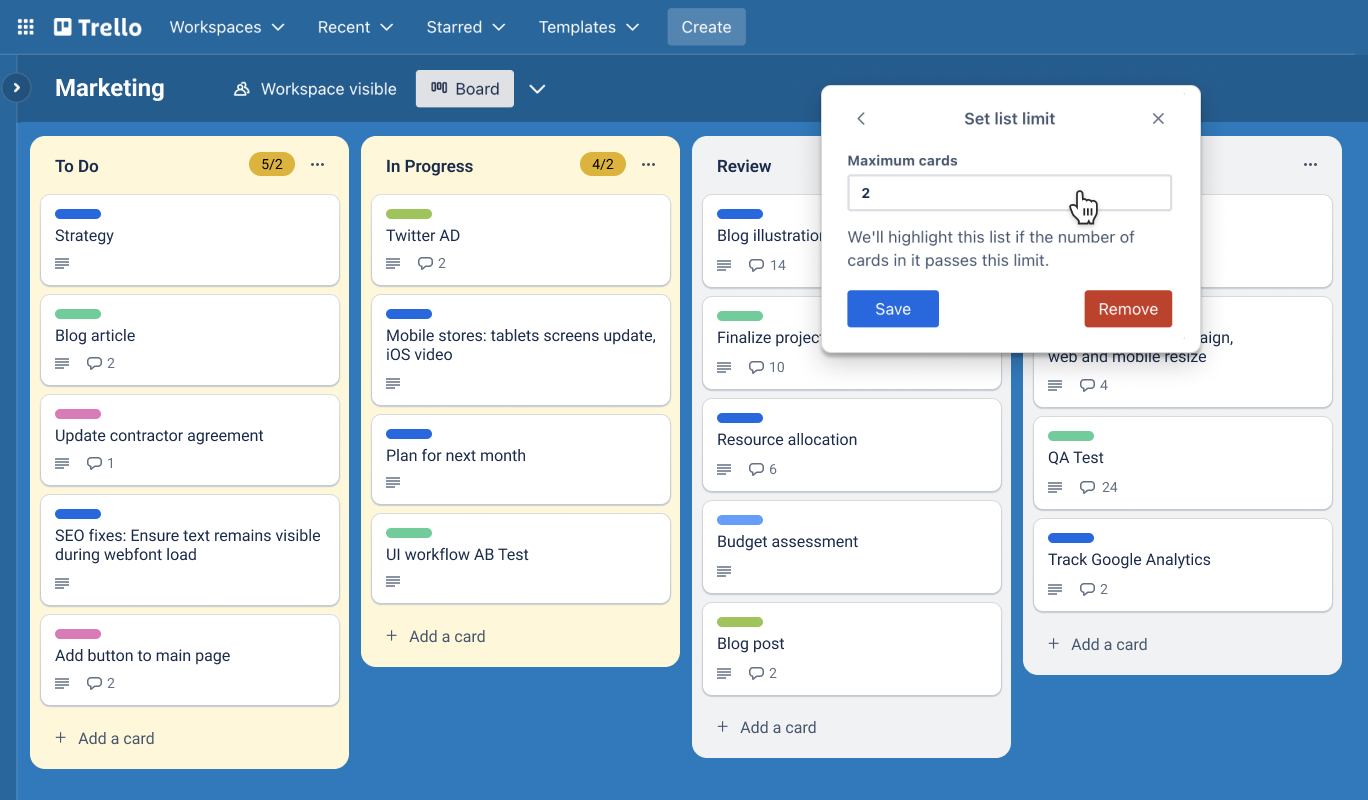
Trello’s visual card-and-list system remains a favorite for lightweight project tracking directly in the browser.
Key features in 2026: Power-Ups for calendars and automation, custom fields, Butler rules, and workspace dashboards. Easy drag-and-drop keeps everything intuitive.
Perfect for: Freelancers and small teams who want simplicity without complexity. Free plan is generous.
10. ChatGPT (OpenAI): Your AI Productivity Partner
The web version of ChatGPT has matured into a daily assistant for research, writing, coding, and summarization.
Key features in 2026: Web search integration, custom GPTs, file uploads, and voice mode. It handles everything from drafting emails to analyzing spreadsheets.
Usage stats: Hundreds of millions rely on it weekly for creative and analytical tasks—proving AI’s place in every workflow.
Choosing and Combining Tools for Maximum Impact
Start with one or two that solve your biggest pain points (e.g., Notion for organization + Zapier for automation). Most integrate natively, creating a powerful stack without extra cost. In 2026, the winners are tools that are intuitive, collaborative, and AI-enhanced—delivering documented productivity lifts across industries.